













































“
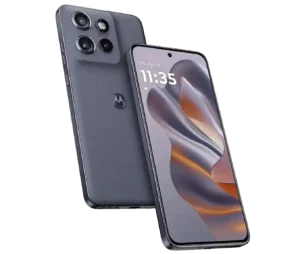
This manual is up-to-date and has been tested with the Motorola Edge 60 PRO.
\r\n
Master your Motorola camera by learning the best settings, modes, and tricks.
\r\n \r\n\r\n \r\n\r\n \r\n\r\nThe Motorola Edge 60 Pro is more than just a phone; it’s a true photographic powerhouse in your pocket. Thanks to its advanced camera system, it has all the tools to capture stunning moments and transform your memories into true works of art.\r\n\r\nThis guide will help you get the most out of the Motorola Edge 60 PRO’s camera. It stands out for its Sony LYTIA main sensor., as well as the integration of optical image stabilization (OIS) and a telephoto lens with 3x optical zoom.\r\n\r\n📸 Triple camera with Sony LYTIA™ sensor\r\n
- \r\n \t
- 50 MP main sensor with Sony LYTIA: Captures sharp details and vibrant colors in virtually any situation.
- 50MP Ultra Wide Angle: Ideal for landscapes and architecture, it covers a wider area with excellent clarity.
- 10 MP telephoto lens with 3x optical zoom: Allows you to get closer to the action without loss of quality (perfect for portraits from a distance).
- 50 MP front camera for selfies: It guarantees selfies rich in detail and high quality.
\r\n \t
\r\n \t
\r\n \t
\r\n
\r\n
💡 Basic composition concepts: essential rules
\r\n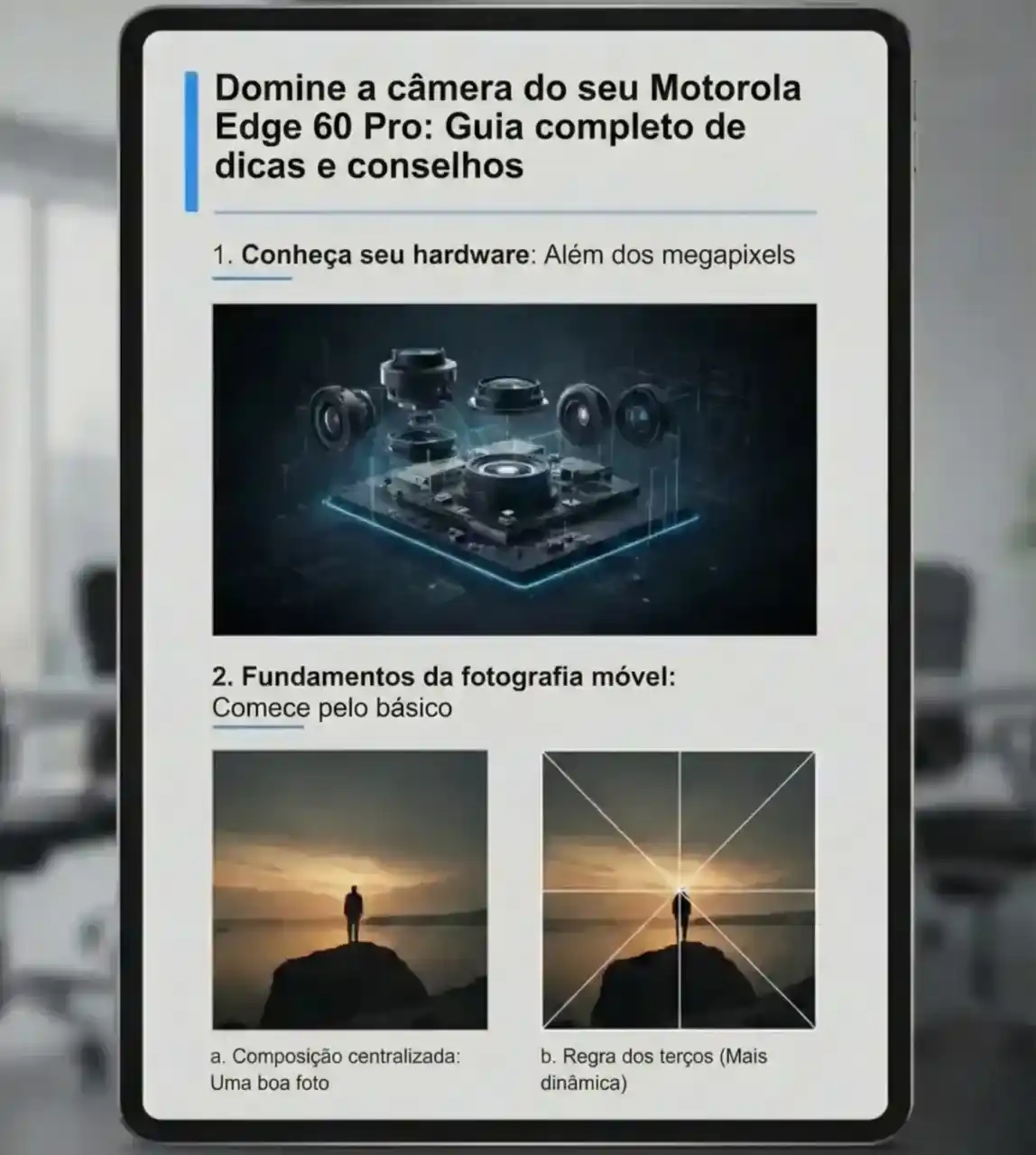 \r\n\r\n \r\n\r\n \r\n\r\nImprove your photos by applying these simple principles:\r\n
- \r\n \t
- Rule of thirds: Activate the grid and position the main motif at the intersections or along the lines for a more dynamic composition.
- Guidelines: Use natural lines (paths, fences) to guide the eye to the focal point.
- Symmetry and patterns: Look for repetitive elements to create visually impactful images.
- Natural setting: Use elements from the environment (branches, doors) to frame the motif and add depth.
\r\n \t
\r\n \t
\r\n \t
\r\n
\r\n☀️ Mastering light and focus\r\n
- \r\n \t
- Golden light: The early morning hours and late afternoon offer soft, warm light, ideal for portraits and landscapes.
- Seek out soft shade: On sunny days, the shade of a tree or building provides perfect diffused light for portraits.
- Tap to focus: Tap the screen at the desired point. This also adjusts the exposure (brightness) of that area.
- Focus and exposure lock (AE/AF Lock): Keep your finger pressed on the chosen spot until the lock message appears. Very useful when reframing.
\r\n \t
\r\n \t
\r\n \t
\r\n
\r\n
🔧 Essential camera modes and PRO mode
\r\n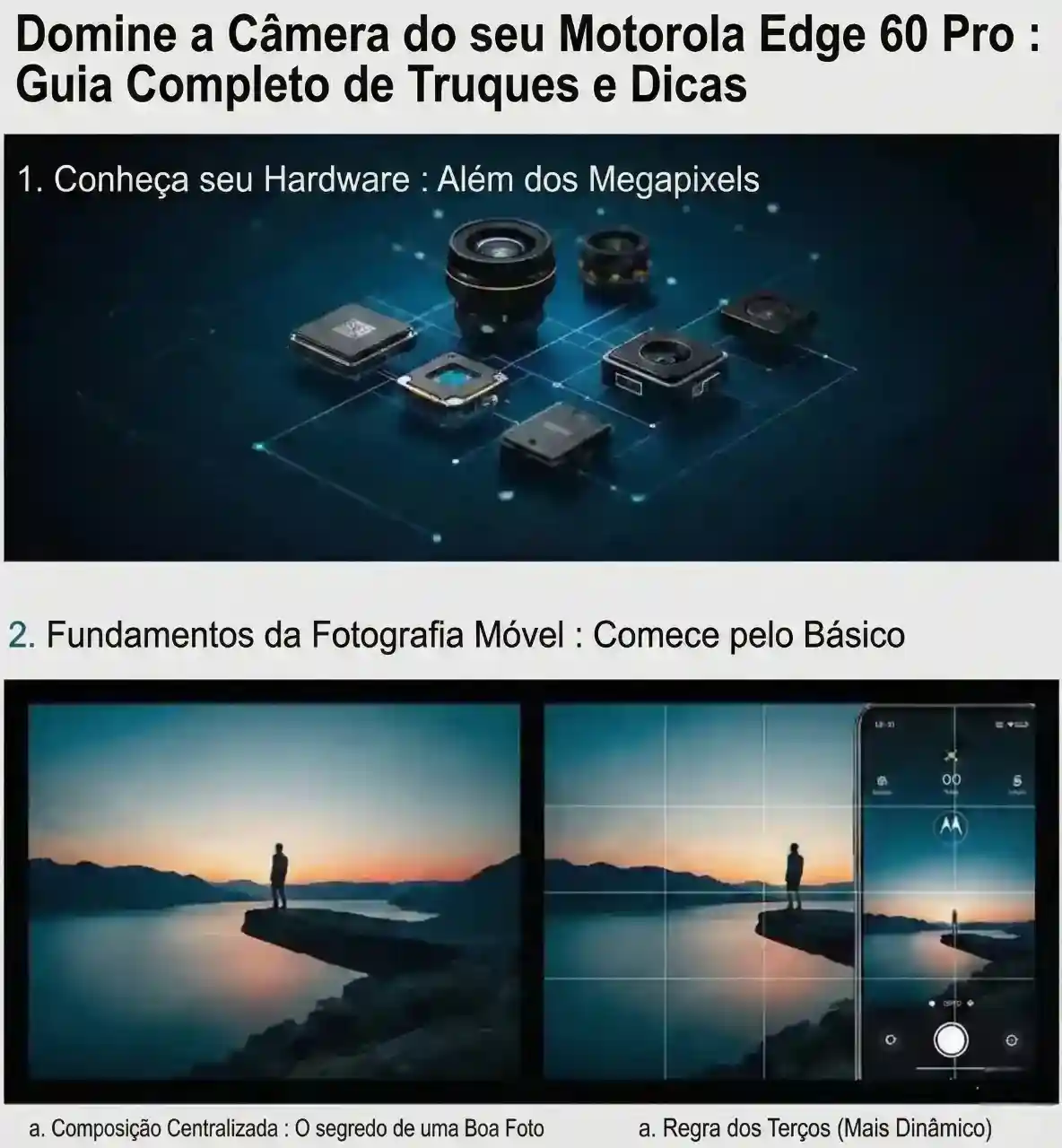 \r\n\r\n \r\n\r\n \r\n\r\nDon’t limit yourself to automatic mode.. Explore the other modes:\r\n
- \r\n \t
- Portrait: Creates an effect bokeh (blurred background) to highlight the subject.
- Panoramic view: Ideal for very wide landscapes, allowing for smooth movement of the mobile phone.
- Night Mode: It captures more light in low-light conditions, resulting in clearer and more detailed photos.
- Macro: Captures extremely detailed close-ups of objects or textures.
- Creative video: Use slow motion (Slow Motion) and time-lapse for an original result.
- Double capture: Simultaneously record with the front and rear cameras (if available on your model).
\r\n \t
\r\n \t
\r\n \t
\r\n \t
\r\n \t
\r\n
\r\nQuick guide to Pro/Manual mode:\r\n
- \r\n \t
- ISO (sensitivity): Low volume in good light, higher volume in low light (pay attention to \”noise\” or grain).
- Shutter speed: Fast for freezing motion, slow for creating light trail effects (tripod recommended).
- White balance: Adjust the colors to make them appear natural according to the light source (e.g., tungsten, daylight).
\r\n \t
\r\n \t
\r\n
\r\n
⭐ Advanced tips and settings
\r\n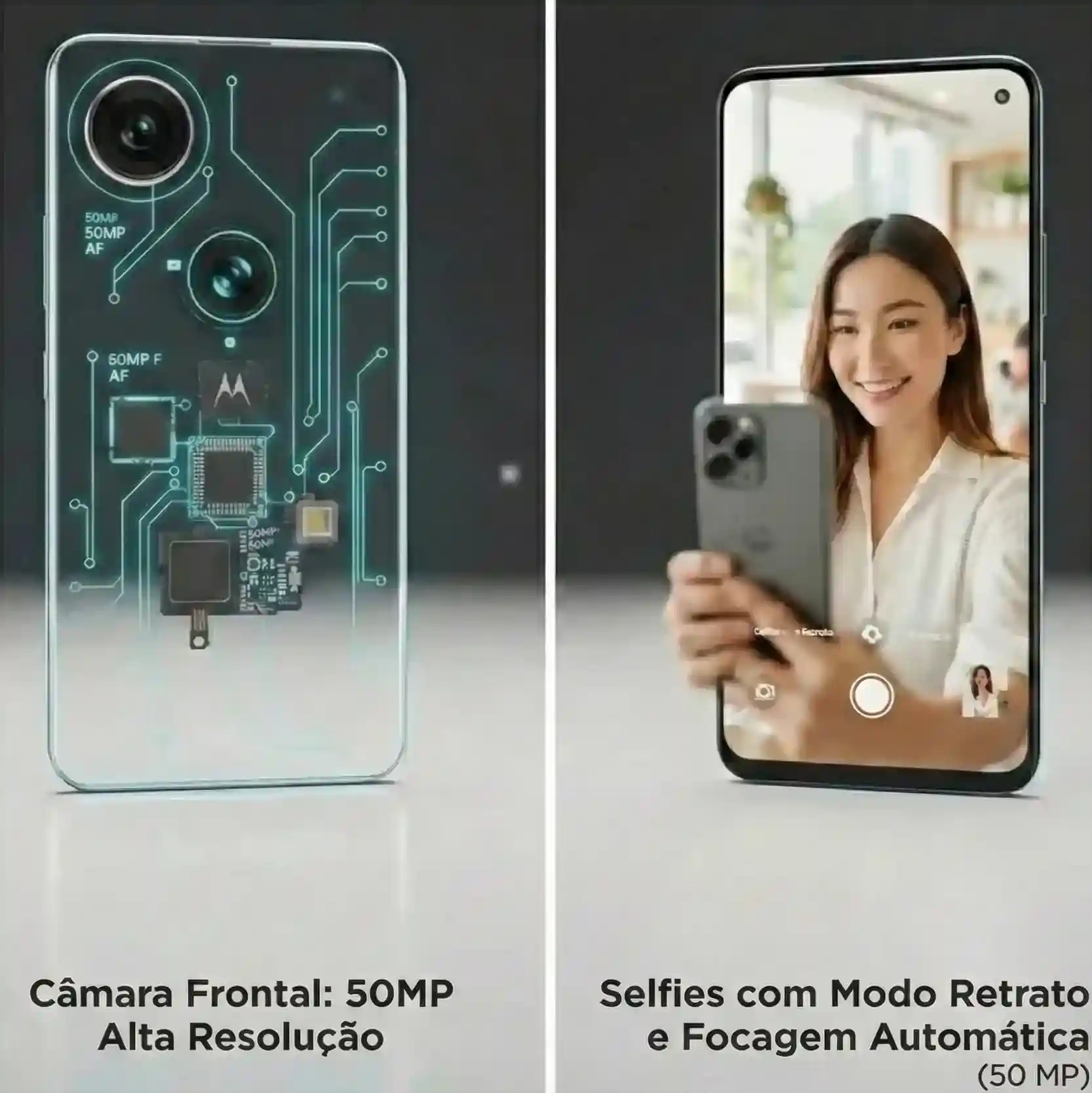 \r\n\r\n \r\n\r\n \r\n
- \r\n \t
- Shoot in RAW (Pro mode): It stores much more information than JPG, offering greater flexibility in editing.
- Use the optical zoom: Opt for the 3x zoom on a telephoto lens. Avoid digital zoom (loss of quality).
- Stability is essential: Use both hands or a tripod, especially at night or during long exposures. The Edge 60 Pro’s OIS reduces vibrations and, in video, the Gyro-EIS It is active.
- Clean the lens: The main cause of blurry or reflective photos is a dirty lens.
- Always clean the lenses with a microfiber cloth.
\r\n \t
\r\n \t
\r\n \t
\r\n \t
\r\n
\r\n✨ Mobile Edition: The Finishing Touch\r\n\r\nA good photograph can become exceptional with a little editing.\r\n\r\nEditing tip: don’t overdo the editing. The goal is to improve, not to radically transform.\r\n
- \r\n \t
- Integrated applications: Motorola’s gallery already offers effective tools for cropping and adjusting brightness and contrast.
- Professional applications:\r\n
- \r\n \t
- Snapseed (Google): Powerful and free, ideal for fine-tuning and selective editing.
- Lightroom Mobile (Adobe): It offers professional control and management of RAW files.
\r\n \t
\r\n
\r\n
\r\n \t
\r\n
\r\n
\r\n
Edge 60 Pro vs Edge 50 Pro: differences in the camera system
\r\n
| Feature | ⭐⭐ Motorola Edge 60 Pro | ⭐ Motorola Edge 50 Pro |
|---|---|---|
| Main chamber | 50 MP (next-generation Sony LYTIA™ sensor) | 50 MP (high quality sensor) |
| Ultra wide-angle / Macro | 50 MP (high resolution, 4× sharper) | 13 MP (standard) |
| Telephoto lens (zoom) | 10 MP with 3x optical zoom | 10 MP with 3x optical zoom |
| Front camera (selfie) | 50 MP | 50 MP |
| Optical stabilization (OIS) | Yes (main and telephoto) | Yes (main and telephoto) |
| Video stabilization | OIS + Advanced Gyro-EIS | OIS + EIS basic |
| Key difference in video | Videos clearly more fluid and stable in motion, thanks to high-precision gyroscope. | Videos are stable, but less fluid when walking or making sudden movements. |
| Main improvement | Ultra wide-angle 4× sharper, better main sensor and superior video stabilization. | Excellent global camera and effective optical zoom. |
\r\nConclusion\r\n\r\nyour Motorola Edge 60 Pro It’s an extremely powerful photographic tool. By understanding its features, practicing the fundamentals of photography, and experimenting with its modes, you’ll be on the right track to capturing stunning images.\r\n
Why choose the Edge 60 Pro:
\r\n
- \r\n \t
- Extreme sharpness at wide-angle: The 50MP ultra-wide-angle lens ensures wide-angle photographs with greater clarity and detail.
- Advanced sensor technology: The Sony LYTIA™ sensor delivers more vibrant colors and improved low-light performance.
- Fluid and professional videos: Gyro-EIS technology makes video recordings much more stable.
\r\n \t
\r\n \t
\r\n
\r\n
“