Adobe Acrobat Pro is the essential tool for comprehensive PDF document management.
Create professional PDFs: Generate high-quality PDF files from documents, images, web pages and more.
Edit PDFs with precision: Modify text, images and objects directly within your PDF documents.
Convert files easily: Transform PDFs to other formats such as Word, Excel, PowerPoint and images, and vice versa.
Organize your documents: Reorder pages, combine files, insert headers, footers and watermarks.
Collaborate as a team: Add comments, notes and highlights to review documents together.
Protect your information: Apply passwords and permissions to control access and editing of your PDFs.
Sign documents digitally: Add electronic signatures to ensure the authenticity and integrity of your files.
Your complete solution for an optimized and secure document workflow.
Adobe Acrobat: The Comprehensive Solution for Your PDF Documents
Adobe Acrobat has established itself as the industry standard for working with documents in PDF (Portable Document Format) format. More than a simple reader, Acrobat offers a robust set of tools that allow users of all levels to create, edit, manage and protect PDF files efficiently and professionally. If you’re looking for a complete solution for your digital documentation needs, read on to discover everything Adobe Acrobat can offer.
PDF Creation and Conversion: Give Shape to Your Ideas
With Adobe Acrobat, creating high-quality PDF documents is a simple and versatile process. You can generate PDFs from a wide variety of formats, including Word documents, Excel spreadsheets, PowerPoint presentations, images, web pages, and even scanned files. Additionally, Acrobat makes it easy to combine multiple files into a single PDF, rearrange pages, insert headers, footers, watermarks and numbering, allowing you to customize your documents for a professional and coherent presentation.
Editing and Modifying: Full Control Over Your PDFs
Adobe Acrobat goes far beyond viewing PDFs, offering powerful editing tools. You can modify text and images directly within the document, adjust fonts, change sizes, move objects and add new graphic elements. The ability to edit PDFs without having to return to the original file saves time and effort, allowing you to correct errors, update information or adapt documents quickly and accurately.
Organization and Management: Keep Your Documents in Order
Efficient document management is crucial in any work environment. Adobe Acrobat makes it easy to organize your PDFs through functions like creating PDF portfolios, which allow you to group multiple related files into a single browsable package. You can also add bookmarks, create indexes and establish internal links to facilitate navigation within extensive documents. These tools help you keep your files organized and find the information you need quickly.
Safety and Security: Safeguard Your Confidential Information
Information security is a priority, and Adobe Acrobat offers several functions to protect your PDF documents. You can restrict opening, editing, printing or copying of your files using passwords and permissions. Additionally, Acrobat enables the application of digital signatures, ensuring the authenticity and integrity of your electronic documents and facilitating legally binding paperless workflows.
Collaboration and Reviewtion: Work Effectively as a Team
Adobe Acrobat makes it easy to collaborate on document projects. You can share PDFs for review, allowing multiple users to add comments, notes and highlights directly to the document. The revision tracking function allows you to see each employee’s contributions and manage the feedback process centrally, speeding up the creation of final versions and team decision-making.
In summary, Adobe Acrobat is an essential tool for any person or company that regularly works with PDF documents. Its wide range of features, from creation and editing to organization, protection and collaboration, makes it a valuable investment to optimize workflows, improve productivity and ensure professionalism in the management of digital documentation. When considering your purchase, think about the specific tasks you perform with PDFs and how Acrobat’s powerful tools can simplify and make them more efficient.
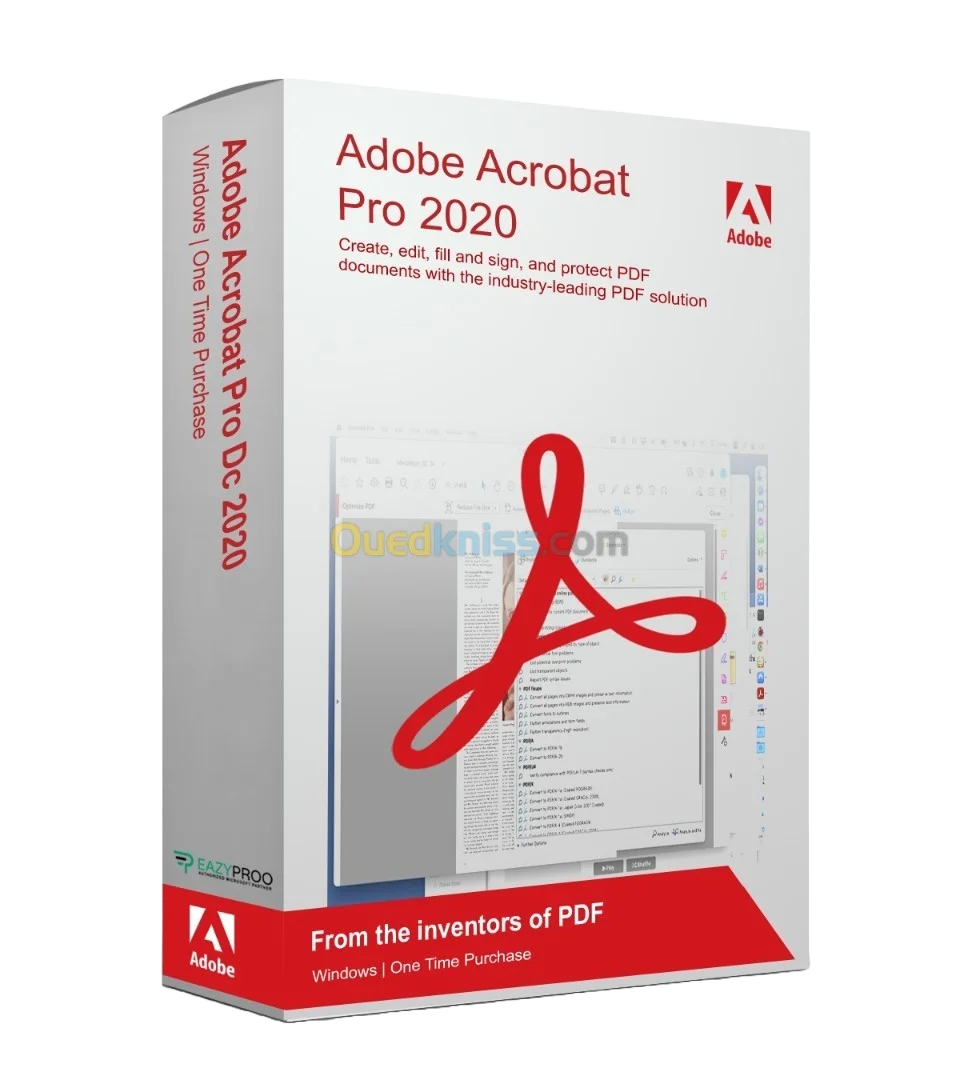
Adobe Acrobat Pro 2020
Reviews
There are no reviews yet.
Be the first to review “Adobe Acrobat Pro 2020” Cancel reply



























































Reviews
There are no reviews yet.