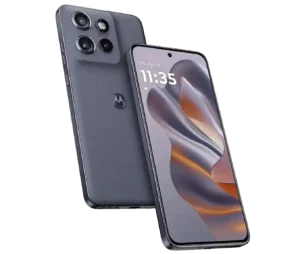
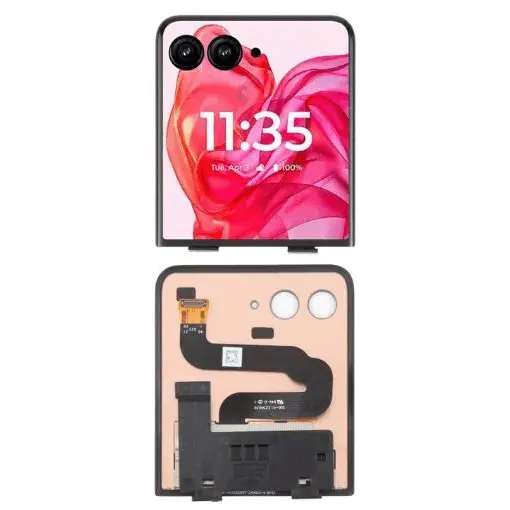
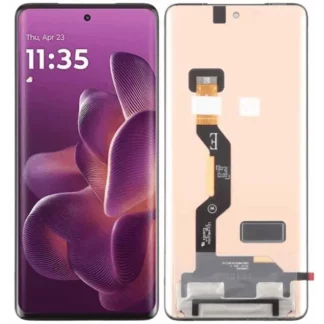
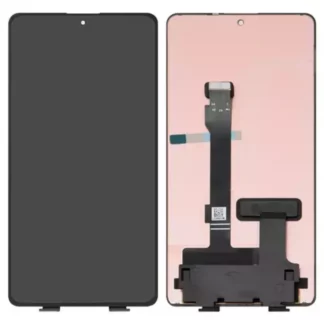
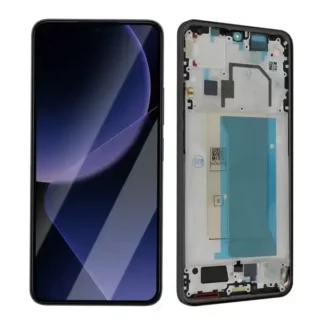
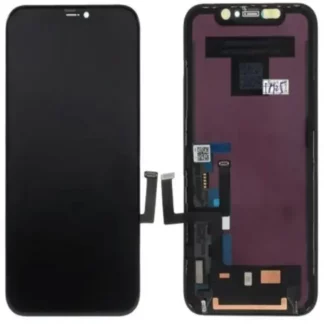
Complete external LCD and touch screen for Motorola Razr 50 Ultra, with frame or without.
Subsequently, you can contract our Screen Replacement Support Service with complete security and precision.
To send us your terminal, we recommend our Collection service so that we can come to your address to collect it, including return shipping and insurance. If you just want us to send you the screen, please indicate below your address in Order Notes “Send directly to my address”.
Motorola Razr 50 Ultra Display
Not all screens are the same. Lenovo cell phones with the most advanced technologies will have a more expensive display than older ones. Approximately 30% of the faults we receive in our Technical Service are the result of deterioration of the terminal screen. Sometimes there are more serious breaks or deep scratches that damage the touch panel. The common denominator of these breakdowns is that the screen is usually more expensive than the labor.
All new Lenovo models now have capacitive screens. The touch screen can overlap other types of screens, such as LCD, for example. The touch layer can also be integrated into the screen and not superimposed, as is the case with SUPER AMOLED, HD SUPER AMOLED or retina displays, as examples. Lenovo’s more advanced models have a more energy-efficient screen. Lenovo has achieved efficiencyup to 80% greater energy savings on screen consumption.
IPS AMOLED screen
IPS screen glass is the latest evolution of AMOLED technology. One of the main differences with AMOLED technology is that the layer that detects what we touch is integrated into the screen and is more robust and reliable.
OLED: The main advantage is more powerful and bright colors, lower reflection of sunlight and lower power consumption. The thickness of the crystal/glass that makes up the screen is also reduced. This was achieved by introducing more resistant layers. This allows better transmission of tactile information to your Lenovo Moto (Motorola) smartphone
Furthermore, it allows you to reduce the thickness of the crystal or glass used in the screen by absorbing shocks and scratches more effectively. Always within the logical limits of shocks and scratches. The layer most used by Motorola is OLED. It is based on its same AMOLED technology and can improve every year with new versions and technological improvements, especially in its resistance.
The Lenovo Moto screen is of maximum quality and robustness AMOLED and full-HD resolution.
To minimize or avoid breakages, we recommend Extra-Strong Protective Glass































Reviews
There are no reviews yet.