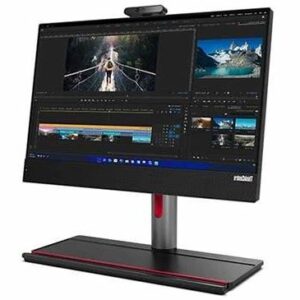
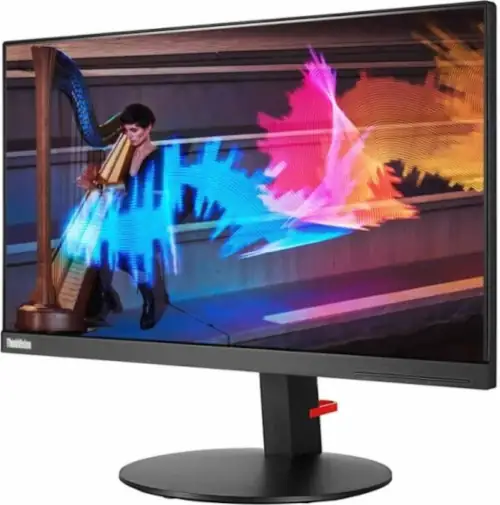
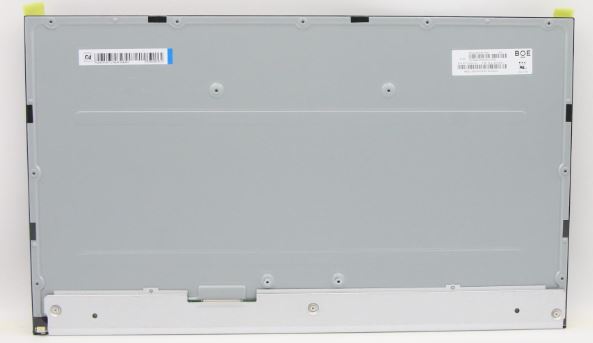
Lenovo DISPLAY Screen,23.8″,FHD,Non-Touch,Anti-Glare,IPS,250nit,72% NTSC

You should hire our service for Screen replacement
You can hire the Service 24-hour collection so that we can come to your home to collect it. Includes return shipping and insurance.
Lenovo Screen,DISPLAY,23.8″,FHD,Non-Touch,Anti-Glare,IPS,250nit,72% NTSC
Lenovo screens have the most modern technologies and therefore have a more expensive display than older ones. Around 30% of the faults we receive in our Technical Service correspond to damage to the terminal’s screen. Sometimes there are more serious ruptures or deep scratches that cause damage. The common problem with these breakdowns is that the screen is usually more expensive than the labor.
Lenovo’s new models have capacitive screens. The touch screen can be superimposed on other types of screens, such as FHD, for example. The touch cover can be integrated into the screen and not superimposed. The new models have a more energy-efficient screen. Lenovo managed to be 80% more efficient in saving energy in the cons.
Lenovo Screen, DISPLAY,23.8″,FHD,Non-Touch,Anti-Glare,IPS,250nit,72% NTSC
- Size (inches) : 23.8
- Resolution: FHD
- Display type (glare or anti-glare) : Anti-Glare
- Touch: Non-Touch
- Panel type: IPS
- Brillo (nit) : 250
Screen for Lenovo IdeaCentre AIO 3-24ALC6 – Type F0G1
Lenovo, (23.8″), FHD, Anti-Glare, TN, 250nit, NTSC 72 %
The laptop screen offers a wide and natural color range far from saturation. The contrast ratio is 1:1000 and the brightness reaches 400 nits, correct figures for a panel of these characteristics.
The brightness is sufficient to use the device outdoors and the automatic brightness system does as expected, a quick and balanced level adjustment when we go from a dark environment to a brighter one and vice versa.
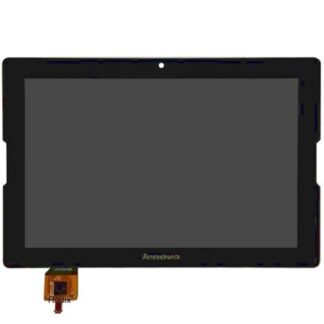
The screen for Tablets is very fragile when dropped and to minimize or avoid breakages, we recommend the Extra-Strong Protective Glass or the Book Cover










































2 reviews for IdeaCentre AIO display
There are no reviews yet.