

















×


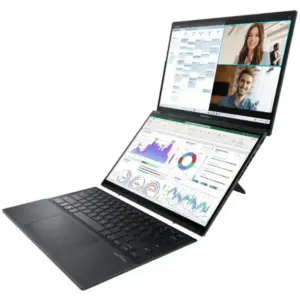
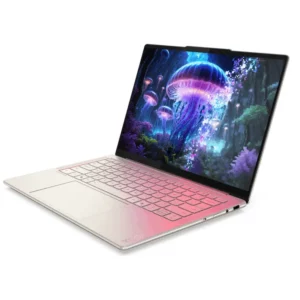
ASUS ZenBook Duo vs Yoga Book 9i Comparison
The ASUS Zenbook DUO and the Lenovo Yoga Book 9i…

Linux Gaming with NVIDIA and Proton: Crimson Desert at maximum performance
Linux has made huge strides in the world of gaming…

The history of Lenovo
1984 – The Birth: ‘New Technology Developer Inc.’ Lenovo was…
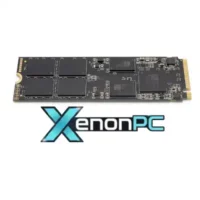
Boost your performance by upgrading your hard drive to an SSD
When we talk about improving the performance of a slow…

Comparison of the Motorola Edge 70 range
Edge 70 Fusion Processor: Qualcomm Snapdragon 7s Gen 3 Screen:…

ThinkPad laptops with longer battery life
In this 2026 update, we’ve selected the ThinkPad laptops with…

Advantages of Local Artificial Intelligence
Local AI: Regain Control, Eliminate Latency, and Protect Your Business…
Motorola Edge 60 Pro Camera Manual: Settings and Tips
“ This manual is up-to-date and has been tested with…
×


Thinkpad X1 Yoga G1 display

269 

Thinkpad X1 Yoga G1 display

269 

Thinkpad X1 Yoga G1 display

269 

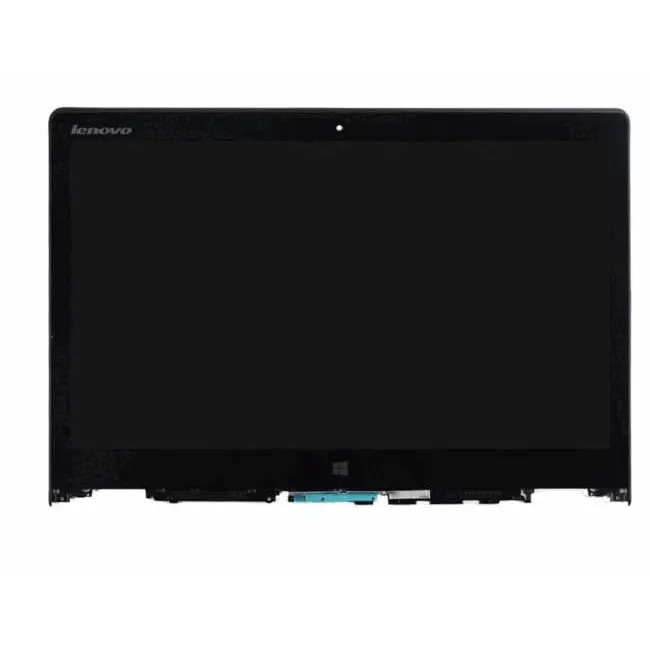
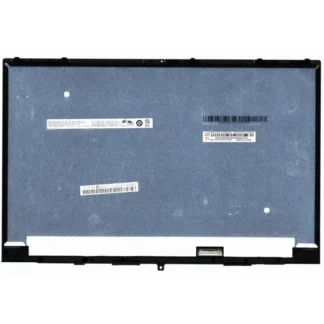
Thinkpad X1 Yoga display. The screen includes internal LCD glass plus touch sensor

3K QHD resolution 2560×1440 pixels

The price includes the purchase of a new and original screen from Lenovo.

Please indicate your Lenovo model in Order Notes.

Then you can hire the workforce with Screen Repair so that our technicians can change the screen. You can hire 24-hour collection for us to come to your home and collect it.

Important: Test before installing

If you prefer to install the screen yourself, disconnect the battery and do not remove the plastic protectors before testing it. Make sure it works properly before attaching it to the device.

Warranty and returns

  • No returns or warranty are accepted if the screen has been manipulated or if the protectors have been removed.
  • Once the protectors have been removed, the screen is considered to have been installed and it will not be possible to claim damages or defects.
  • The warranty only covers screens that have not been installed, as they may be damaged during assembly.
  • If you prefer to avoid risks, we can take care of the installation.

⚠️ In most cases, problems are due to incompatibility and not screen defects.

Please send us the serial number dyour equipment so we can check that the screen is correct before purchase.

Lenovo Thinkpad X1 Yoga Laptop Screen ecra-thinkpad-x1-yoga-primeira-geracao

We recommend hiring our service for Screen repair.

MaisLenovo is a company specialized in repairing faults on Lenovo and Motorola equipment.

You can hire the Service 24-hour collection so that we can come to your home to collect it. Includes return shipping and insurance.

Thinkpad X1 Yoga Display

Lenovo laptops have the most modern technologies and therefore have a more expensive display than older ones. Around 30% of the faults we receive in our Technical Service correspond to damage to the terminal’s screen. Sometimes there are more serious breaks or deep scratches that damage the touch panel. The common problem with these breakdowns is that the screen is usually more expensive than the labor.

Lenovo’s new models have capacitive screens. The touch screen can be superimposed on other types of screens, such as the LCD, for example.

Thinkpad X1 Yoga G1 display

1 review for Thinkpad X1 Yoga G1 display

There are no reviews yet.

Be the first to review “Thinkpad X1 Yoga G1 display”