

























1
×
Total:29 

ASUS ZenBook Duo vs Yoga Book 9i Comparison
The ASUS Zenbook DUO and the Lenovo Yoga Book 9i…

Linux Gaming with NVIDIA and Proton: Crimson Desert at maximum performance
Linux has made huge strides in the world of gaming…

The history of Lenovo
1984 – The Birth: ‘New Technology Developer Inc.’ Lenovo was…

Boost your performance by upgrading your hard drive to an SSD
When we talk about improving the performance of a slow…

Comparison of the Motorola Edge 70 range
Edge 70 Fusion Processor: Qualcomm Snapdragon 7s Gen 3 Screen:…

ThinkPad laptops with longer battery life
In this 2026 update, we’ve selected the ThinkPad laptops with…

Advantages of Local Artificial Intelligence
Local AI: Regain Control, Eliminate Latency, and Protect Your Business…
Motorola Edge 60 Pro Camera Manual: Settings and Tips
“ This manual is up-to-date and has been tested with…
1
×
Total:29 

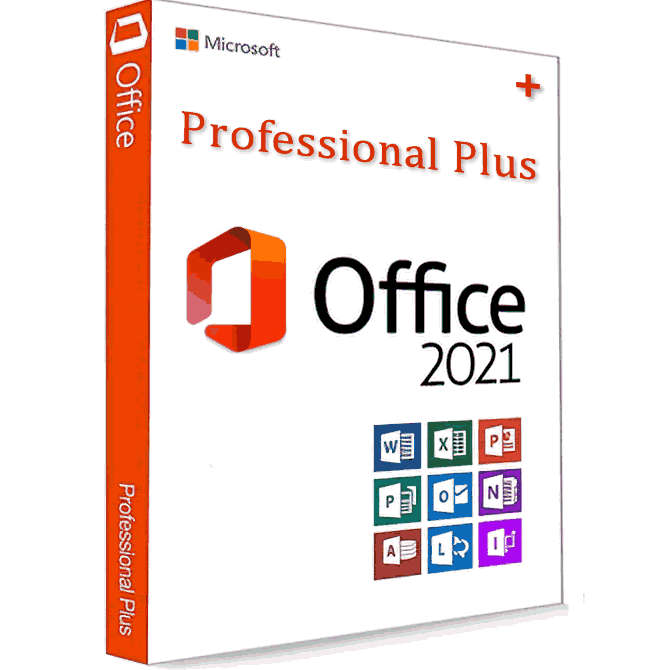
Microsoft Office 2021 PRO

Price range: 39 € through 49 €

Microsoft Office 2021 PRO

Price range: 39 € through 49 €

Microsoft Office 2021 PRO

(2 customer reviews)

Price range: 39 € through 49 €

(2 customer reviews)

Enjoy the Microsoft Office 2021 PRO suite indefinitely, permanently and without limitations

  • Word, Excel, Access, Powerpoint
  • Outlook
  • OneNote, OneDrive
  • Microsoft Teams

Microsoft Office is designed to save time, make working easier with integrated collaboration tools.

  • Regular updates that improve security in programs
  • You can hire our installation service to save time and ensure a good installation
  • By option, you can download Office
  • from the official Microsoft website.

Microsoft Office 2021 PRO is designed to help you create and organize faster. With time-saving features, a modern look and integrated collaboration tools. It also allows you to save documents in the OneDrive cloud and access them anywhere.

Microsoft Office 2021 PRO

Thanks to Office licenses, you can enjoy many advantages:

1- First of all, we have the possibility of downloading our Office from the official Microsoft page.

2- You will also have free updates that will improve the security of our programs.

3- Finally you can have the possibilities of this software indefinitely without limitations.

Valid for activating the following Office 2021 products

Word:  Create and share documents professionally using state-of-the-art editing, review and shared use tools. The new Drawing window provides quick access to features, and intelligently searches directly within Word for relevant contextual information obtained from the web.

Excel: Analyze and visualize your data in new, intuitive ways with a revamped user interface and shorthand favorite keyboard methods. Take advantage of features such as Analysis Tools, Segmentation and Formula Generator to save time and concentrate information.Power point: Create, collaborate, and present ideas effectively with new slide transitions and an improved animation task pane. The comments attached to the slides will help you incorporate opinions into your presentations.

One Note: It’s a personal digital notebook that allows you to keep notes, ideas, web pages, photos and even audio and video in the same place. Whether you are at home, work or on the move, you can use it wherever you want, at the same time share and interact with other people.

  • Outlook
  • OneDrive
  • Microsoft Teams
  • Visio

What’s New with Microsoft Office 2021: Advantages of 2021

Compared to Microsoft Office 2019, Microsoft Office 2021 introduces several new enhancements and enhancements. Here’s a breakdown of the additions you can expect to see across the full Microsoft Office 2021 suite of apps:

General advantages of Office 2021

  • Visual update designed with clean monoline iconography in mind
  • New Stock Media Content
  • Microsoft search bar in all apps for general search queries
  • Performance improvements
  • Draw guide updated with new additions Point Eraser, Ruler and Lasso
  • Support for OpenDocument 1.3 format
  • Sketchy style outline option for shapes
  • Added a hex color value box when choosing colors

Microsoft Excel

  • XLOOKUP search to find information in tables and ranges
  • Dynamic array functions including FILTER, SORT, SORTBY, UNIQUE, SEQUENCE, and RANDARRAY
  • LET function that assigns names to calculation results
  • XMATCH function that searches for a specified item and then provides the relative position of the item

Microsoft PowerPoint

  • Record Slideshow now features options for presenter video recording, ink recording, and laser pointer recording
  • You can reproduce paint strokes to illustrate things step by step or visualize a thought process
  • You can view the slide elements in the reading order on the screen and rearrange them as needed

Microsoft Outlook

  • Email translation into over 70 different languages will be supported
  • Annotate email images with your finger, pen, or mouse
  • Instant search feature allows you to findQuickly enter specific emails

Microsoft Access

  • Updated linked table manager with update, relink or remove options
  • Added SQL DateTime2 data type
  • Tab manager that allows you to view active tabs, rearrange tabs, or close database objects

Microsoft Visio

  • New Azure Stencils and Shapes
  • New AWS Stencils and Shapes
  • Workplace Social Distancing Template and Stencil

Download Microsoft Office 2021

You can download Office 2021 from the official Microsoft website Office website by logging into the website after purchasing Office 2021.

For more information:  Office Downloadfrom Microsoft.

Microsoft Office 2021 PRO

2 reviews for Microsoft Office 2021 PRO

There are no reviews yet.

Be the first to review “Microsoft Office 2021 PRO”