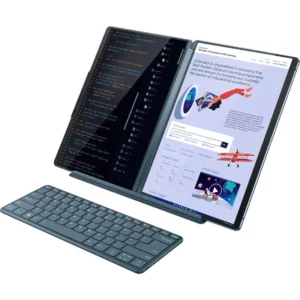
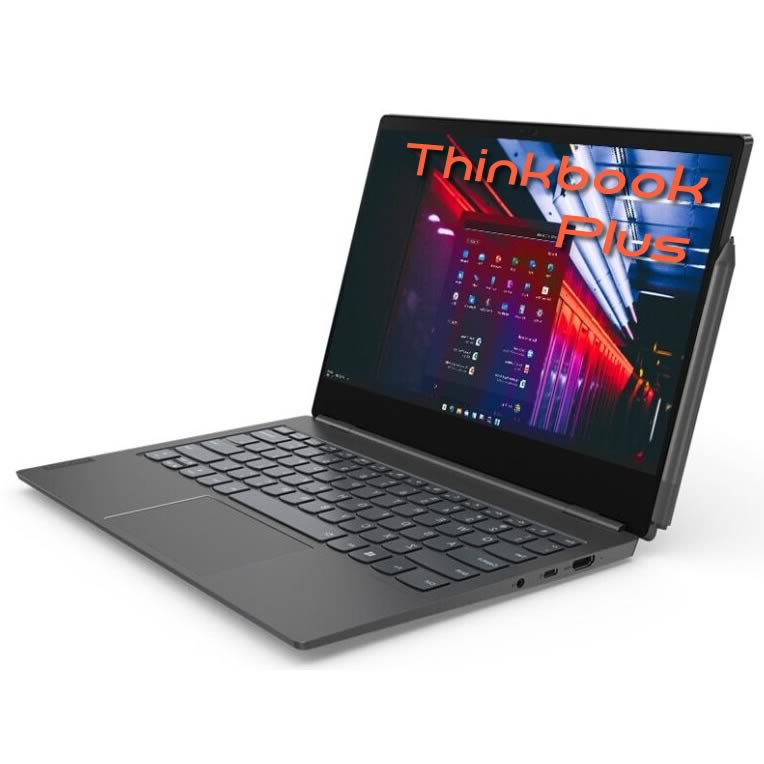
Lenovo ThinkBook Plus with a built-in e-reader so you can review and annotate PDF documents.
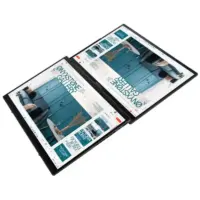
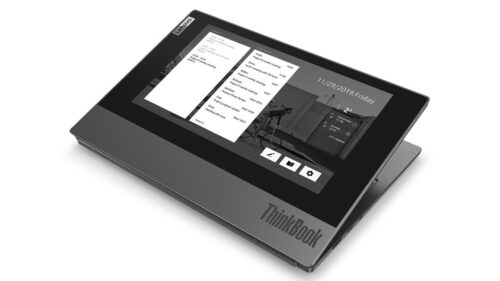
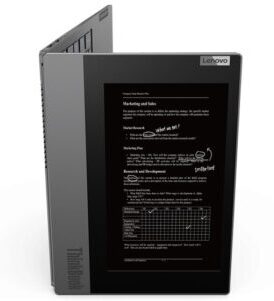
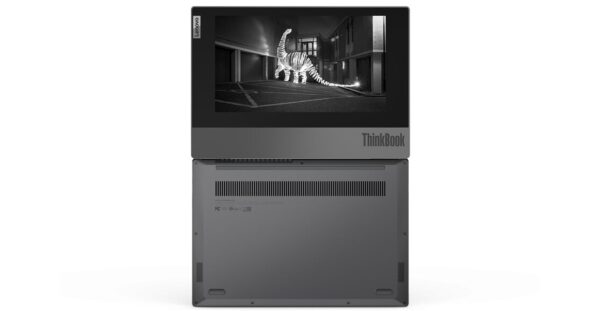
Double screen so you can take notes or read documents, even with the laptop closed.
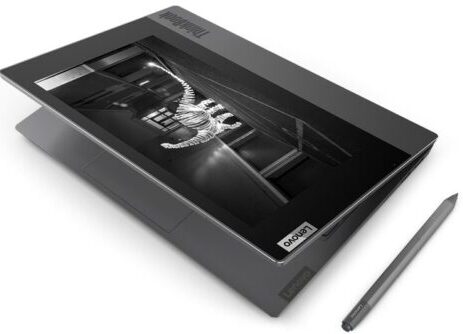
Includes optical pencil for writing and drawing.
The second screen is made of electronic ink to be able to comfortably read and write with your digital pen.
Fingerprint reader for added security and ultra-fast access. Battery life up to 10 hours.
With its dual screen, the Lenovo ThinkBook Plus is an innovative and unique notebook. Take notes or read electronic documents on the 27.43 cm (10.8″) screen, even when the laptop is closed. The 33.78 cm (13.3″) panel provides clear, crisp details. Plus, this laptop comes with quick, convenient features like Smart Power On, which lets you log in and start immediately at the touch of a button.
What is the second screen on the Thinkbook Plus for?
The second screen is made of electronic ink that allows you to read with maximum comfort and write with an optical pencil without having to open it. Enjoy your best readings, using them to write and take professional notes.
The Lenovo ThinkBook Plus’ innovative external display lets you see your most important notifications so you don’t have to check your smartphone’s email during meetings. You can also use it as an e-reader to review and annotate PDF documents.
ThinkBook Plus: Draw and view on a big screen
You can also take notes or draw on the top screen with the included optical pencil. Additionally, the pen is magnetically attached to both sides of the top cap. When you’re done, sync it with OneNote and turn your ideas into written text, diagrams, and even illustrations. Additionally, you can connect to an external monitor whiledraw to see your work on the screen. If you wish, you can also customize the cover with a photo according to your own style.
Having virtual meetings on the Lenovo ThinkBook Plus is undoubtedly the best option. Harman Kardon® speakers and Skype-certified microphones let you hear and be heard clearly. You can also join and leave VoIP calls faster with Skype’s handy tools.
ThinkBook Plus resumes in less than a second
With the new sleep mode, you can wake your Lenovo ThinkBook Plus from sleep in less than half a second, and a second later you can be surfing the Internet.
Plus, with WiFi 6, you get fast, reliable connections, even on networks with hundreds of connected devices, like those in airports or conference rooms.
Performance matters: Intel Optane technology and fast charging.
Intel Optane ensures better processor optimization so the Lenovo ThinkBook Plus is faster than ever. Plus, with a battery life of up to 10 hours*, you don’t have to worry about searching for outlets when you’re out and about.and home.
When running low on battery, the Rapid Charge feature charges up to 80% in just one hour.
Lenovo ThinkBook Plus ; Resistance and anti-splash test
The Lenovo ThinkBook Plus goes through many quality and reliability tests, such as anti-splash up to 60 cc of water, extreme temperatures and vibrations. The zinc alloy hinge includes powdered metal technology to withstand up to 25,000 opening and closing cycles — and is coated with indium and tin to improve corrosion resistance and optimize WiFi coverage.
Fingerprint for maximum security and instant access
The Lenovo ThinkBook Plus includes smart security features like the built-in fingerprint reader that is integrated with the power button, strategically placed on the side of the device so it can operate when the top cover is closed. The Trusted Platform Independent Module (dTPM) encrypts your data to protect it, and Windows Hello helps further encrypt your login credentials.
Lenovo ThinkBook Plus slots and ports
1.HDMI 1.4b 2. USB-C (power supply and DisplayPort) 3. Combined headphone and microphone input 4. 2 magnetic panels to place the pencil 5. Power button with fingerprint reader 6. USB 3.0 7. USB 3.0 (always on)
ThinkBook Plus
1 review for ThinkBook Plus
There are no reviews yet.
Be the first to review “ThinkBook Plus” Cancel reply












































1 review for ThinkBook Plus
There are no reviews yet.