


















×


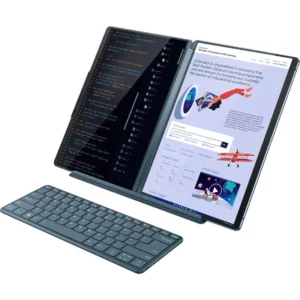
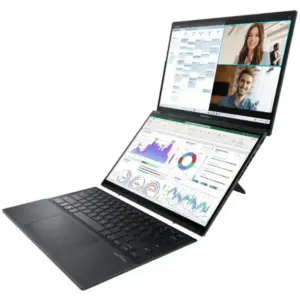
ASUS ZenBook Duo vs Yoga Book 9i Comparison
The ASUS Zenbook DUO and the Lenovo Yoga Book 9i…

Linux Gaming with NVIDIA and Proton: Crimson Desert at maximum performance
Linux has made huge strides in the world of gaming…

The history of Lenovo
1984 – The Birth: ‘New Technology Developer Inc.’ Lenovo was…
Boost your performance by upgrading your hard drive to an SSD
When we talk about improving the performance of a slow…

Comparison of the Motorola Edge 70 range
Edge 70 Fusion Processor: Qualcomm Snapdragon 7s Gen 3 Screen:…

ThinkPad laptops with longer battery life
In this 2026 update, we’ve selected the ThinkPad laptops with…

Advantages of Local Artificial Intelligence
Local AI: Regain Control, Eliminate Latency, and Protect Your Business…
Motorola Edge 60 Pro Camera Manual: Settings and Tips
“ This manual is up-to-date and has been tested with…
×


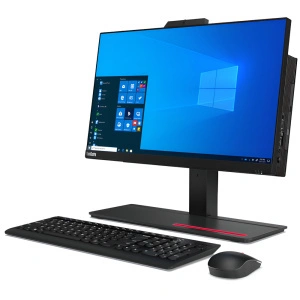
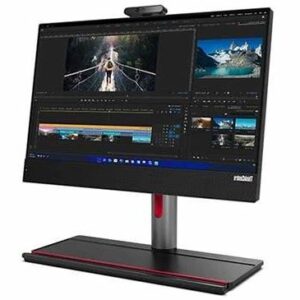
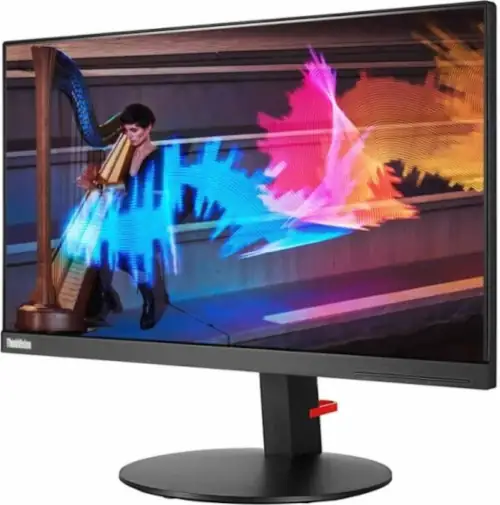
ThinkCentre AIO Neo-50a 24″

Original price was: 1,199 €.Current price is: 1,099 €.

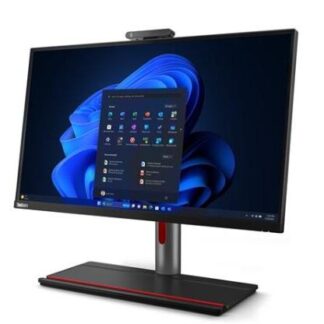
ThinkCentre AIO Neo-50a 24″

Original price was: 1,199 €.Current price is: 1,099 €.

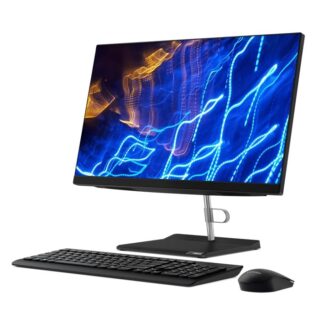
ThinkCentre AIO Neo-50a 24″

Original price was: 1,199 €.Current price is: 1,099 €.

Lenovo ThinkCentre AIO, sall-in-one system, professional, robust, and secure designed for small and midsize businesses.

With three different model options and configurations to choose from

  • Model ThinkCentre AIO Neo-50A
  • Model ThinkCentre AIO M90a
  • Model ThinkCentre AIO M70a

ThinkCentre AIO for smarter business productivity and security

lenovo-thinkcentre-m90a-aio-subseries-gallery-4As part of our ThinkShield security solutions, we offer a combination of hardware and software that works together to keep your system and data safe.

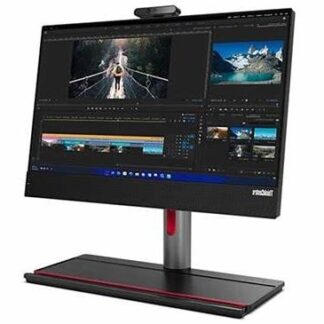
The ThinkCentre M90 ​​All-in-one features smart USB ports to prevent unauthorized people from uploading files, while the chassis intrusion detection switch detects any attempts to remove the system cover. Trusted Platform Monitor technology encrypts your data and passwords. And biometrics lets you use your face to log in with the optional hybrid IR camera.

Disappoint prying eyes with PrivacyGuard

The optional PrivacyGuard panel on the M90a features an electronic filter to keep your screen private, and is easily controlled with the touch of a button. When turned on, if someone looks at your screen at an angle, the panel turns black. Plus, the screen automatically blurs when you look away, further protecting your critical data.


Designed for business, tested for successlenovo-thinkcentre-m90a-aio-subseries-feature-1

ThinkCentre PCs are tested against 10 military-grade requirements and undergo more than 200 quality checks to ensure they operate in extreme conditions. From the arctic wilderness to desert sandstorms, from extreme temperatures to vibrations and shocks, you can count on your ThinkCentre M90a All-in-one to handle every situation.

Excellent cooling: Quieter

The latest generation Intelligent Cooling Engine (ICE) 4.0 technology, the M90a allows for unparalleled great efficiency with three different modes. Maximum Performance Mode (BP) increases system power by 15%. BE mode provides a quieter experience, 3 decibels quieter than BP mode. Full Speed ​​Mode provides maximum cooling to prevent the system from getting hot.

Better organization is your strong point

Designed to allow for an uncluttered desk, the ThinkCentre M90a All-in-one includes built-in cable management. It is very easy to configure, use and manage. The brackets integrate cable routing, a cable guide and a cable cover to ensure any unsightly cables and wires are hidden*. Plus, the cell phone holder and keyboard slot help youkeep your desk tidy and organized.

Improves professional productivity

The Thinkcenter M90-a All-in-one has time-saving tools, such as Modern Standby, a feature that allows you to keep the system up to date, even when it is in sleep mode, as long as a suitable network is available, including Outlook synchronization. Plus, with the optional Intel vPro® platform designed for business, enjoy the assurance of having everything you need to work productively, safer and more profitably, 24 hours a day.

Thinkcentre AIO Neo-50a /M90-A: Sober and corporate design

The ThinkCentre M90z features a sober design, with a corporate computer feel, just like all Lenovo products. It is all black, with square corners. Without a doubt, it works very well in offices, but it wouldn’t be the best option if you care about the beauty and decoration of your living room or home office.

In any case, the main objective is to take up less space than a tower desktop would, and it does this very well.

Ports/Slots Lenovo Thinkcentre Neo 50a/ M90-a M70lenovo-thinkcentre-m90a-aio-subseries-ports-side

  • 4 x USB 3.2 Gen 1 (one of them supports SmartPower On)
  • 1 x LAN (Gigabit Ethernet)
  • 1 x DisplayPort
  • 2 Bays internal 2.5″
  • 1 Internal Slots M.2 Card (for WLAN)

IN THE PHOTO ON THE RIGHT:

  • 1. Call mute button
  • 2. USB 3.2 Gen 1 (Type C, always on)
  • 3. 2x USB 3.2 Gen 2 (Type A)
  • 4. Combo headphone/microphone input
  • 5. On/Off button

ThinkCentre AIO Neo-50a 24″

1 review for ThinkCentre AIO Neo-50a 24″

There are no reviews yet.

Be the first to review “ThinkCentre AIO Neo-50a 24″”