

















×


ASUS ZenBook Duo vs Yoga Book 9i Comparison
The ASUS Zenbook DUO and the Lenovo Yoga Book 9i…

Linux Gaming with NVIDIA and Proton: Crimson Desert at maximum performance
Linux has made huge strides in the world of gaming…

The history of Lenovo
1984 – The Birth: ‘New Technology Developer Inc.’ Lenovo was…
Boost your performance by upgrading your hard drive to an SSD
When we talk about improving the performance of a slow…

Comparison of the Motorola Edge 70 range
Edge 70 Fusion Processor: Qualcomm Snapdragon 7s Gen 3 Screen:…

ThinkPad laptops with longer battery life
In this 2026 update, we’ve selected the ThinkPad laptops with…

Advantages of Local Artificial Intelligence
Local AI: Regain Control, Eliminate Latency, and Protect Your Business…
Motorola Edge 60 Pro Camera Manual: Settings and Tips
“ This manual is up-to-date and has been tested with…
×


ThinkPad Yoga X390

Price range: 399 € through 549 €

ThinkPad Yoga X390

Price range: 399 € through 549 €

ThinkPad Yoga X390

(2 customer reviews)

Price range: 399 € through 549 €

(2 customer reviews)

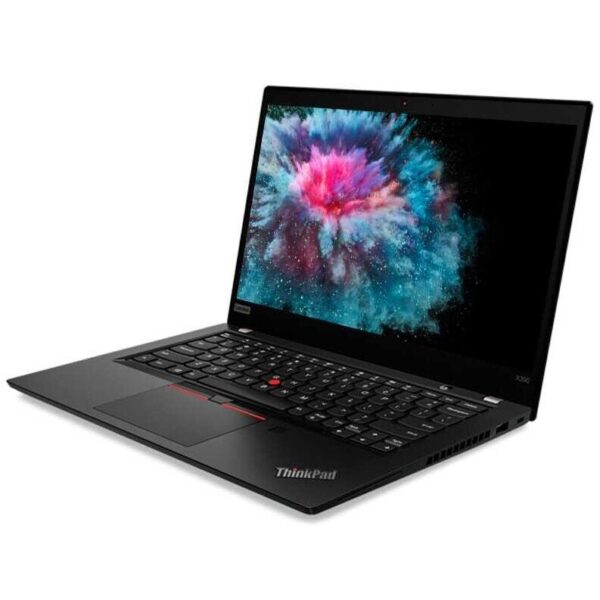
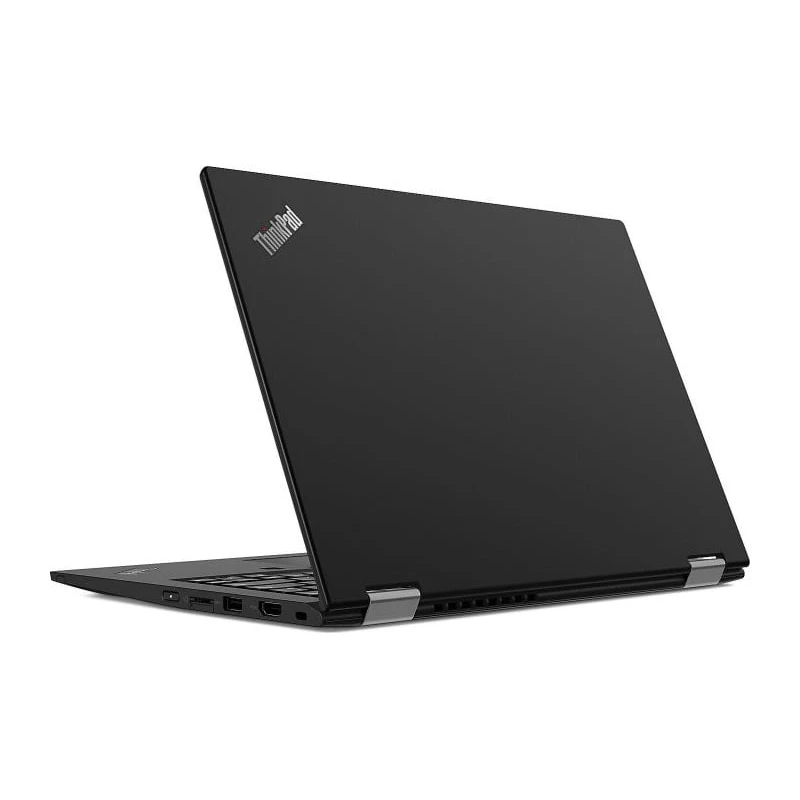
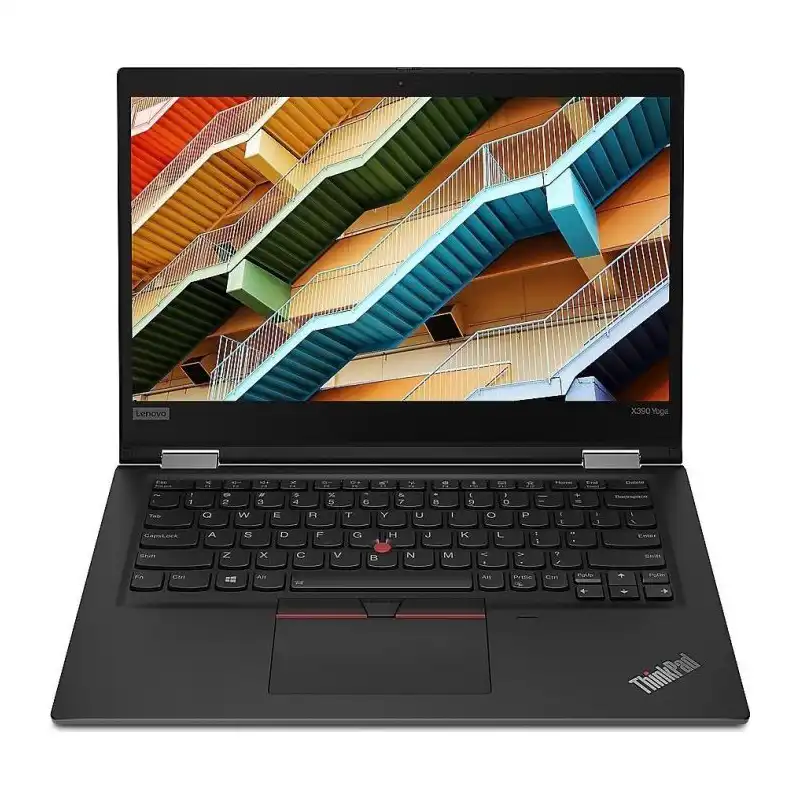
ThinkPad Yoga X390 – Powerful, light and flexible! It’s the laptop that adapts to you, protects your data and accompanies you in all your projects, wherever you are.

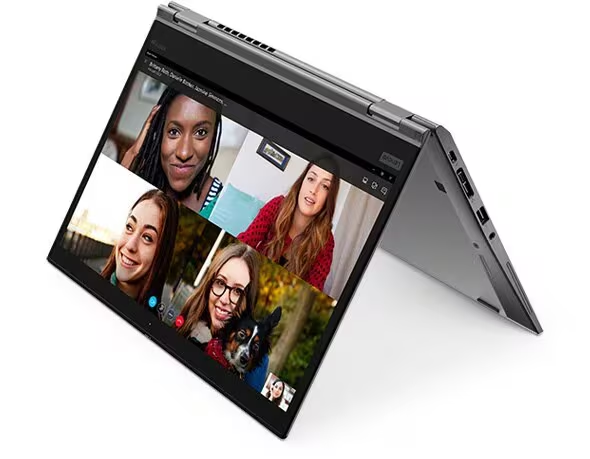
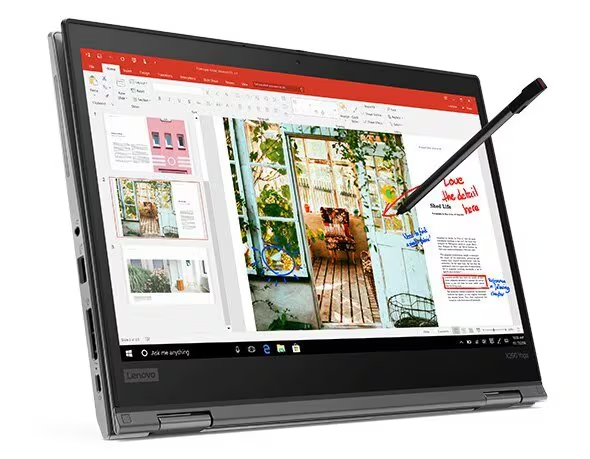
  • Switch from laptop mode to tablet mode in an instant, with the integrated stylus to draw, sign and annotate.
  • Maximum security with Windows Hello and ThinkShutter.
  • Performance and speed thanks to Intel® Core™ i7 processors and PCIe SSD.
  • Long-lasting autonomy
  • Includes light pen

ThinkPad Yoga X390 : your office, anywhere.

ThinkPad Yoga X390: The 2-in-1 expert that goes with you everywhere

Discover the ThinkPad Yoga

Flexibility and creativity just a gesture away
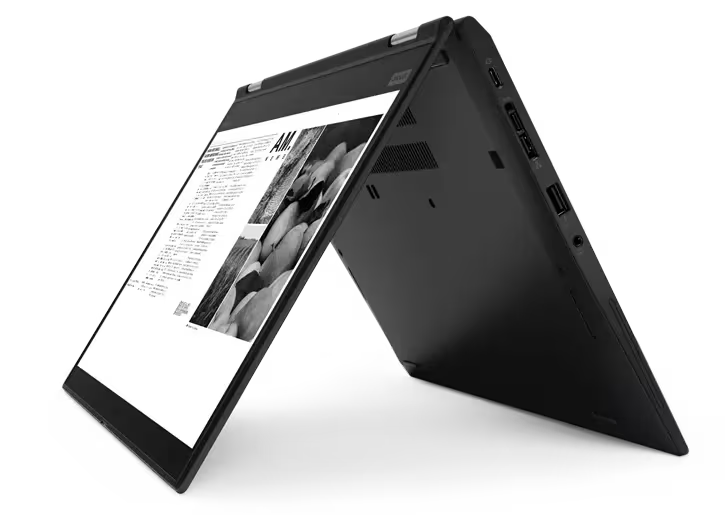
The X390 Yoga is designed to adapt to all your needs. Its four usage modes offer total versatility: classic work, presentation, drawing or note-taking. The integrated ThinkPad Pen Pro pen allows you to unleash your creativity, sign documents or annotate files with total fluidity. For the first time on an X Yoga model, it easily connects to the ThinkPad Pro Dock docking station (sold separately) thanks to its USB-C side mechanical connection, allowing you to connect all your peripherals in an instant.

Enhanced security, absolute simplicity

Work with complete confidence thanks to the combination of a hybrid IR camera and a touch fingerprint reader for Windows Hello. A smile or a simple finger tap is enough to log in instantly. And, evenProtecting your privacy, ThinkShutter ensures the camera only sees you when you want it to.


Technical specifications

FeatureDetail
BrandThinkPad
Processor8th Gen Intel® Core™ i7 with vPro
Operating systemWindows 11 Pro
Total memoryUp to 16 GB DDR4
Screen13.3″ FHD (1920 x 1080), IPS, touch, 300 nits

Power hidden in an elegant design

Don’t be fooled by its lightness: the Yoga X390 hides remarkable power. Equipped with 8th generation Intel® Core™ processors and ultra-fast PCIe SSD, it guarantees you maximum productivity. The soundstage, enriched with two long-range microphones and Dolby Audio™ Premium technology, transforms your conferences and meetings into clear, immersive experiences.

Ultra-mobility and extended autonomy

Weighing just 1.32 kg, the Yoga X390 was designed to go with you anywhere. The battery offers up to 14.5 hours of autonomy and charges up to 80% in just 60 minutes. And to stay connected even on the move, the global LTE-A option lets you work from anywhere, without relying on Wi-Fi.


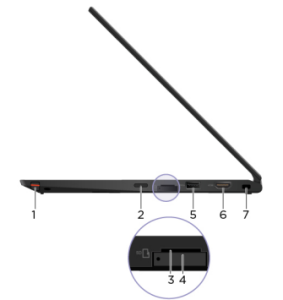
Ports

Right side

  1. ThinkPad Pen Pro
  2. Power button
  3. microSD card slot
  4. Nano-SIM card slot*
  5. USB 3.1 Gen 1 connector
  6. HDMI™ Connector
  7. Security slot

*on some models


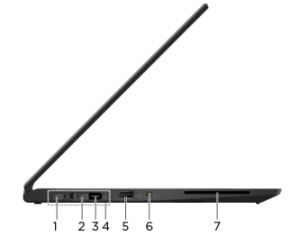
Left side

  1. USB-C™ Connector (USB 3.1 Gen 1)
  2. Thunderbolt™ 3 (USB-C) connector
  3. Gen 2 Ethernet Extension Connector
  4. Docking Station Connector
  5. Always On USB 3.1 Gen 1 Connector
  6. Audio connector
  7. Smart Card Slot


*on some models

ThinkPad Yoga X390

2 reviews for ThinkPad Yoga X390

There are no reviews yet.

Be the first to review “ThinkPad Yoga X390”