















3
×
Total:127 

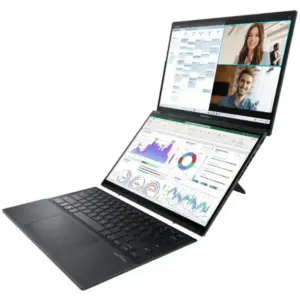
ASUS ZenBook Duo vs Yoga Book 9i Comparison
The ASUS Zenbook DUO and the Lenovo Yoga Book 9i…

Linux Gaming with NVIDIA and Proton: Crimson Desert at maximum performance
Linux has made huge strides in the world of gaming…

The history of Lenovo
1984 – The Birth: ‘New Technology Developer Inc.’ Lenovo was…
Boost your performance by upgrading your hard drive to an SSD
When we talk about improving the performance of a slow…

Comparison of the Motorola Edge 70 range
Edge 70 Fusion Processor: Qualcomm Snapdragon 7s Gen 3 Screen:…

ThinkPad laptops with longer battery life
In this 2026 update, we’ve selected the ThinkPad laptops with…
Advantages of Local Artificial Intelligence
Local AI: Regain Control, Eliminate Latency, and Protect Your Business…
Motorola Edge 60 Pro Camera Manual: Settings and Tips
“ This manual is up-to-date and has been tested with…
3
×
Total:127 

HP EliteBook Display

Price range: 69 € through 99 €

HP EliteBook Display

Price range: 69 € through 99 €

HP EliteBook Display

Price range: 69 € through 99 €

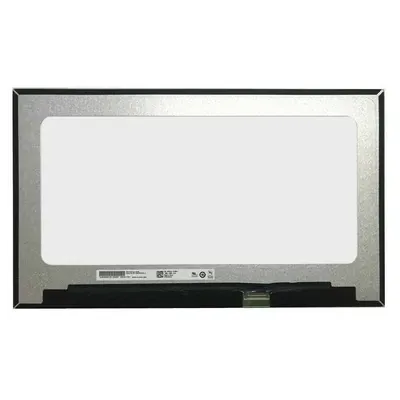
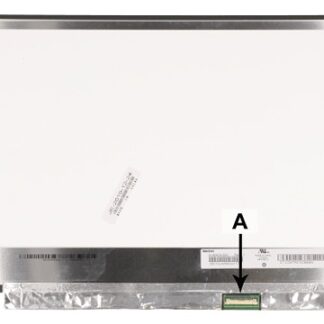
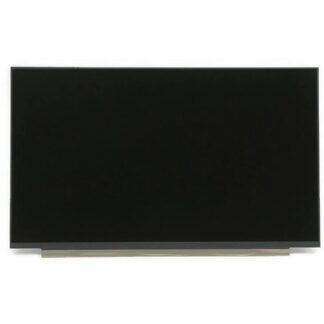
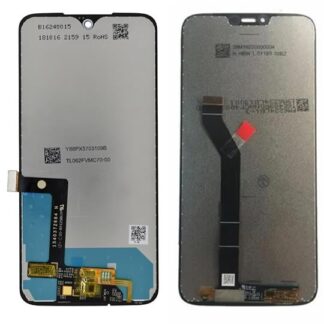
Screen designed for repairing your HP EliteBook laptop.

Includes the complete screen assembly, in which the LCD panel and digitizer (on touch models, such as the x360) form a single indivisible piece, ensuring compatibility and maximum image quality.

Then, you must hire our Replace Screen service so that our technicians can change the screen safely.

We recommend that you hire Same Day Collection so that we can collect your laptop.

Important: Test before installing

If you prefer to install the screen yourself, disconnect the battery and do not remove the protective films before testing it. Make sure it works properly before attaching it to the device.

Warranty and returns

  • No returns or guarantees are accepted if the screen has been manipulated or the protective films have been removed.
  • Once the protective films have been removed, it is considered installed and no damages or defects can be claimed.
  • The warranty only covers uninstalled screens, as they may be damaged during assembly.
  • If you prefer to avoid risks, we can take care of the installation.

⚠️ In most cases, problems are due to incompatibility,no screen failures.
Please send us the serial number of your device so we can check if the screen is correct before purchasing.

We recommend that you hire our Technical support for screen replacement. And so you can replace the screen on your HP laptop with all the guarantees.

We recommend our 24-hour Collection service so that we can come to your home to collect it, including return shipping and all-risk transport insurance.

HP EliteBook 840 and EliteBook x360 Display

In the HP EliteBook 840 and EliteBook x360 laptops, each new generation has not only improved resolution and image quality, but also incorporated advances in brightness, energy efficiency and professional-oriented technologies. Newer models can include Full HD IPS panels and higher-end options with high brightness (up to 400–1000 nits in select versions), advanced anti-glare technologies, and even built-in privacy features.

In our Technical Service, the screen continues to be one of the most vulnerable components in this series. The most common faults include impact ruptures, light leaks, darkened areas, backlight failures or the appearance of vertical lines. In x360 convertible equipment, it is also relatively common to find failures in the tactile layer or loss of precision after blows or excessive pressure.

At a technological level, the EliteBook range has evolved into high-quality IPS panels with better performance.color production, greater uniformity and better visibility outdoors. Additionally, many models incorporate technologies such as HP Sure View (integrated privacy screen), which reduces viewing angles to protect information, and low-power panels that help improve battery life without sacrificing visual performance.

On models x360, the integration of the touch digitizer directly into the panel (“in-cell” technology) allows for thinner designs, less internal reflection and a more precise tactile experience, compatible with active pens on some models. This makes them especially useful for professionals who need versatility and mobility.

HP EliteBook Display

Reviews

There are no reviews yet.

Be the first to review “HP EliteBook Display”